CartoonVectors
HomeVectorsPNG ClipartCategoriesBlog & Guides
CartoonVectors

Discover cartoon vector graphics, characters and transparent PNG clipart for creative projects. Available formats and licensing information are shown on each asset page.

Explore Cartoon Graphics

  • All Cartoon Assets
  • PNG Clipart
  • Browse Categories
  • Blog & Design Guides

Popular Collections

  • Disney Characters
  • Nickelodeon Clipart
  • Marvel Superheroes
  • Gaming Vectors

Company & Legal

  • About Us
  • Contact Support
  • Licensing Terms
  • Privacy Policy
  • Terms of Service
  • DMCA / Copyright

© 2026 CartoonVectors.com. All rights reserved. Check the licensing information shown on each asset before use.

How to Edit EPS Vector Files in Adobe Illustrator | CartoonVectors
Home > Blog > How to Edit EPS Vector Files in Adobe Illustrator
Tutorials · 8/8/2026

How to Edit EPS Vector Files in Adobe Illustrator

By CartoonVectors Team

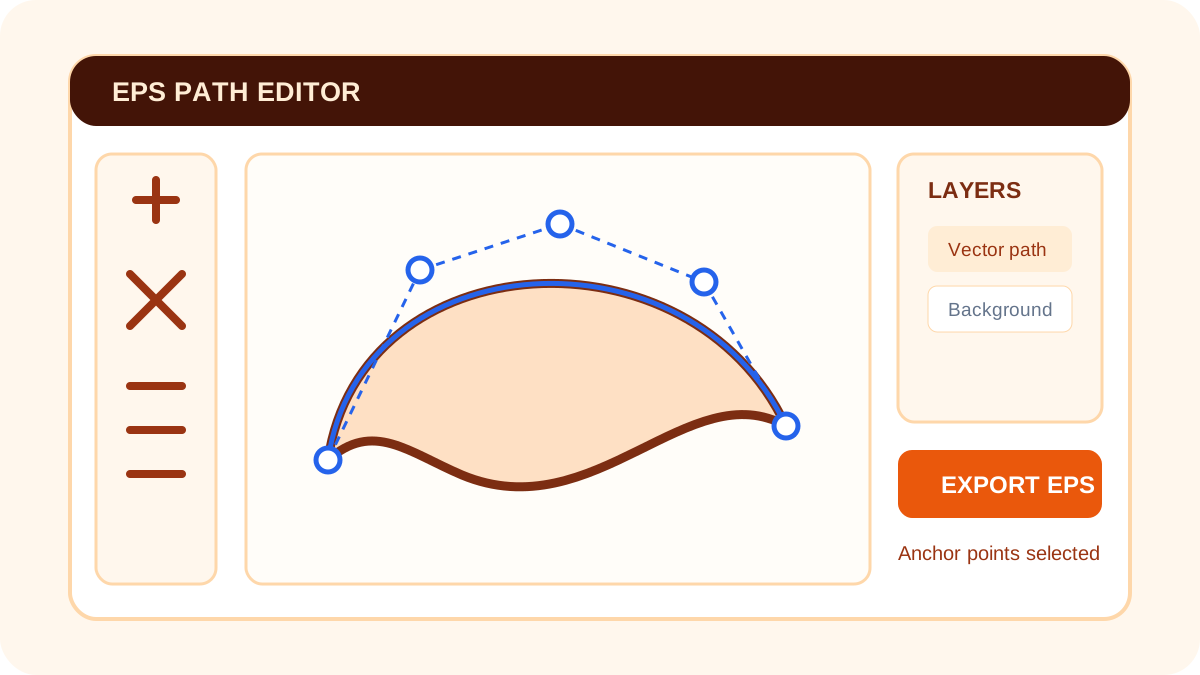
Illustration for How to Edit EPS Vector Files in Adobe Illustrator

What Is an EPS File?

Encapsulated PostScript (EPS) is a long-established vector format used in professional design and print workflows. This guide is educational and applies to EPS files obtained from a source you trust.

Opening an EPS File in Illustrator

In Adobe Illustrator, choose File > Open and select the EPS file. Depending on how the artwork was created, Object > Ungroup may help you select individual elements. Save a working copy before changing paths or colors.

Format Availability on CartoonVectors

CartoonVectors does not currently offer EPS as a public download. Individual asset pages show the formats that are actually available, such as SVG, PNG or PDF. Browse the cartoon vector library and choose only a format listed on the asset page.

← All guidesBrowse cartoon assets →